
Claims dispatch and review software for third-party administrators.
Send carrier assignments out across partner companies, 1099 contractors, and your own employees, review what comes back before it reaches the client, and keep acceptance, revisions, and billing approval on one file every party can see.
 Preview
Where a dispatched assignment goes dark
Status lives in someone else's inbox
Once an assignment goes out, the only way to know where it stands is to ask. Dispatch, review, and the client are all guessing.
Acceptance is a phone call
Who took the file, who declined, and which offer expired are remembered, not recorded.
Review happens in email attachments
Submissions, revision requests, and the second version live in a thread nobody else can find.
Work product gets mixed up with the file
A contractor's photographs and correspondence end up in the shared drive, or the shared drive ends up with nothing.
One file, out to the network and back through review.
The stages a dispatched assignment moves through, including the send-back at review that a shared drive cannot show.
Dispatched
An Admin or Manager sends the assignment out with its instructions.
Accepted
The assigned professional accepts; declines and expired offers stay on the file.
In progress
They work the file. Their photos and email correspondence stay private to them.
Submitted for review
The Reviewer / Quality Assurance Analyst approves, or sends it back for revisions.
Billing approval
The approved file goes for billing approval against the original assignment.
Sent to client
The final package is delivered, with the whole path recorded on the file.
The stages the file actually moves through
The workflow as it is configured in ClaimFileHQ, stage by stage.
- Dispatched
- Accepted
- In progress
- Submitted for review
- Reviewed — sent back for revisions
- Review accepted
- Sent for billing approval
- Sent to client
How work reaches third-party administrators, and how it runs
Files arrive from more than one direction. Each source of work gets its own intake, statuses, templates, and automations.
Carrier Assignments
Work received from carriers and routed to the network.
Dispatched Files
Assignments offered to partner companies, 1099 contractors, and employees.
Review Queue
Submissions waiting on a Reviewer / Quality Assurance Analyst.
Assignment received
The carrier assignment opens a file inside the network with the instructions attached.
Dispatched and accepted
The offer goes out across the network; whoever accepts is on the record, and so is who declined.
Submitted and reviewed
The Reviewer / Quality Assurance Analyst approves the submission or sends it back for revisions.
Billed and sent
The approved file goes for billing approval and out to the client with the whole path recorded.
The parts third-party administrators live in
A network runs on who has what and where it stands. These are the parts that keep a dispatched file visible to everyone on it.
Partner Network Workspace
Dispatch work across partner companies, 1099 contractors, and employees with Reviewer / Quality Assurance Analyst oversight and per-record visibility controls.
Claim File Hub
Every document, photo, estimate, note, and task organized per claim file — searchable and audit-ready.
Client Workflows
Separate pipelines for carrier, Public Adjuster / Attorney, and homeowner work — connected under one HQ.
Reporting
Unified reporting across client workflows, users, and offices — even when each runs its own stages.
Audit History
A complete, timestamped record of activity on every file for accountability and review.
Documents
Collect, organize, and version policies, estimates, correspondence, and evidence per file.
Schedule Engine
Route-aware inspection planning, recommended times, and a booking approval queue.
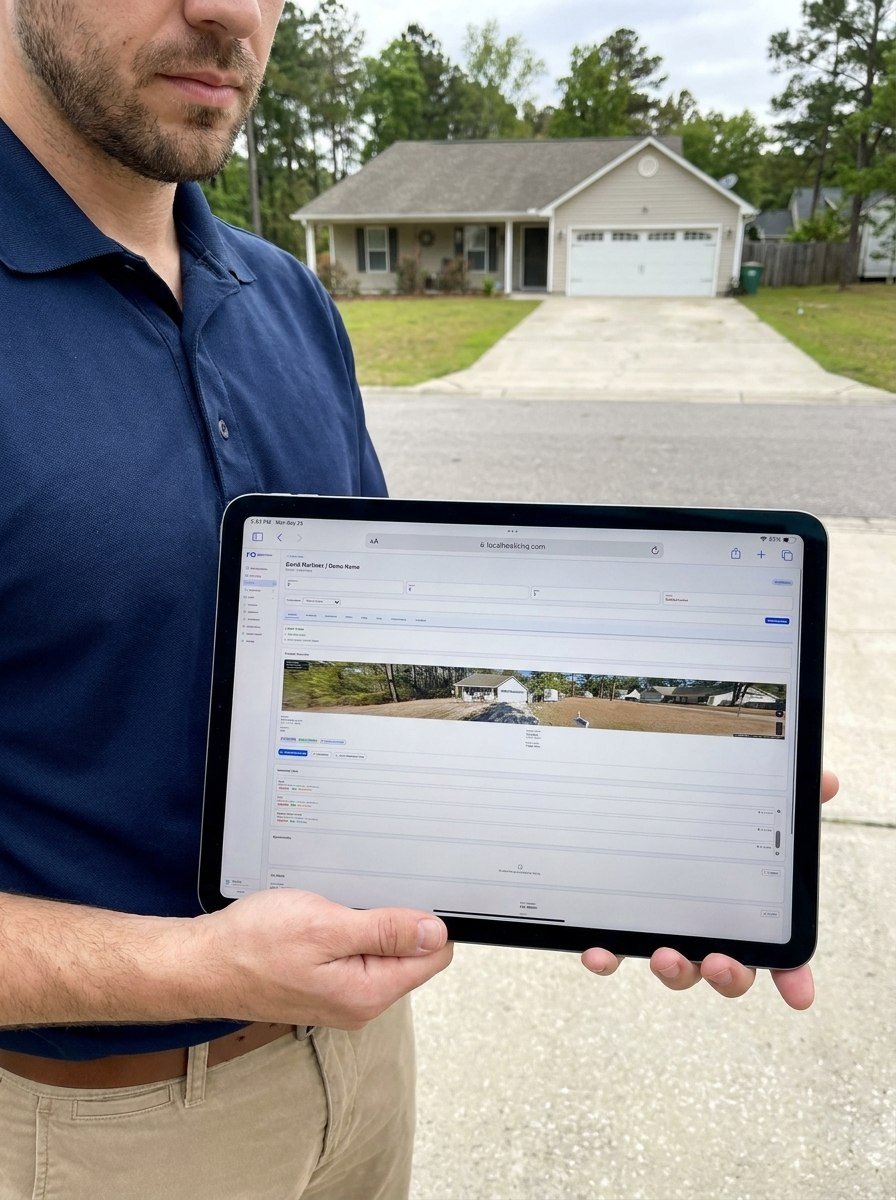
The workspace, on one open file
A look at the command center, organized around this role's workflows.
Where third-party administrators usually start
Third-party administrators start on Partner Network, because the plan is the operating model: dispatch, acceptance, review, and revisions on the file.
External assignment network
You dispatch assignments to partner companies, 1099 contractors, and employees, and review what comes back.
Partner Network$599/moInternal team
Your own staff work every file together and nothing leaves the office.
Team$499/mo
Schedule Engine and Photo Engine are optional modules, priced separately. See pricing for full plan and module details.
Resources for third-party administrators
Free, ungated guides and checklists for running organized claim files.
Run every claim file from one command center
Start a free trial and run a real file through intake, inspection, position, and closeout.